
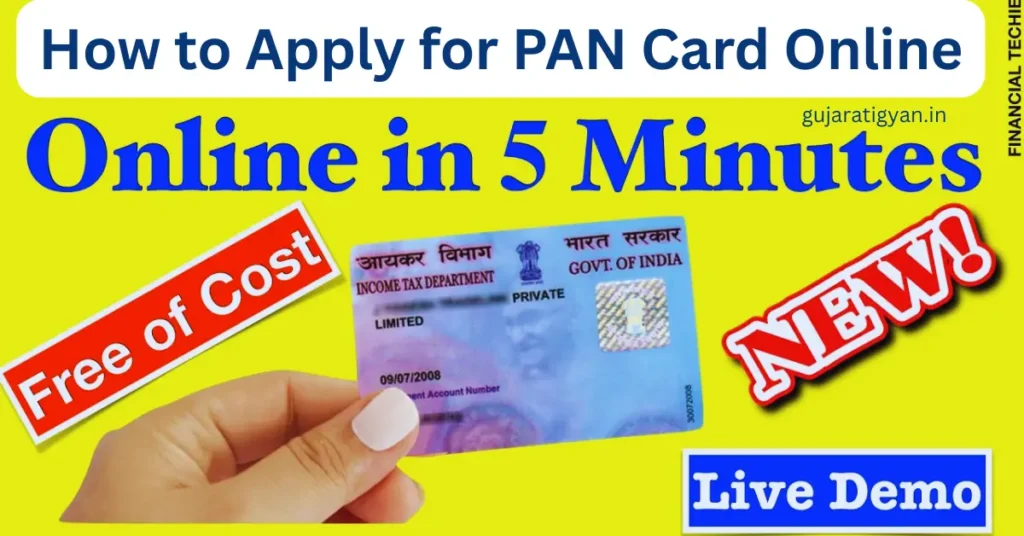
How to Apply for PAN Card Online : In today’s digital age, the Permanent Account Number (PAN) is more than just a tax identifier; it is a primary identity document required for everything from opening a bank account in Ahmedabad to investing in the stock market or purchasing a vehicle. With the recent PAN 2.0 Project updates in 2026, the process has become even faster and more secure.
If you are looking for a detailed guide on how to navigate the online application, this blog will walk you through the entire journey—from documentation to delivery.
1. Why Do You Need a PAN Card?
Before we dive into the “how,” let’s understand the “why.” A PAN card is mandatory for:
-
Filing Income Tax Returns (ITR): To ensure your taxes are correctly recorded.
-
Bank Account Opening: Most private and public sector banks in Gujarat require a PAN for Savings or Current accounts.
-
High-Value Transactions: Buying or selling property or gold above a certain limit requires a PAN.
-
Professional Use: For businesses, freelancers, and consultants to receive payments.
2. Essential Documents Required (2026 Checklist)
To ensure your application isn’t rejected, keep digital copies of these documents ready. Since the process is now largely Aadhaar-based, it has become much simpler.
| Category | Recommended Document |
| Identity Proof | Aadhaar Card (Most preferred), Voter ID, or Passport |
| Address Proof | Aadhaar Card, Electricity Bill, or Bank Statement (not older than 3 months) |
| Date of Birth Proof | Aadhaar Card, Birth Certificate, or School Leaving Certificate |
| Photographs | Two recent color passport-size photos (if not using e-KYC) |
Note for Gujarati Applicants: Ensure the name on your Aadhaar matches exactly with the name you intend to use for your PAN. Even a small spelling difference can lead to a delay.
3. Step-by-Step Online Application Process
There are two main government-authorized portals to apply for a PAN card: Protean (formerly NSDL) and UTIITSL. You can also use the Instant e-PAN facility on the Income Tax e-Filing portal for an immediate digital card.
A. Applying via Protean (NSDL) Portal
-
Visit the Website: Go to the Protean Online PAN Application page.
-
Select Application Type: Choose “New PAN – Indian Citizen (Form 49A)”.
-
Select Category: Choose “Individual” (unless applying for a firm or trust).
-
Fill Applicant Information: Enter your Title, Last Name, First Name, Date of Birth, Email ID, and Mobile Number.
-
Token Number Generation: Once you submit the initial details, a temporary Token Number will be generated. Save this number; it allows you to resume your application if the session expires.
B. Choosing the Submission Mode
In 2026, you have three ways to submit your documents:
-
Digital e-KYC & e-Sign (Paperless): The fastest method. It uses your Aadhaar OTP. No physical documents need to be sent. (Highly Recommended)
-
Submit Scanned Images via e-Sign: You upload your photo and signature manually but verify via Aadhaar OTP.
-
Forward Documents Physically: You must print the acknowledgment and mail it to the NSDL/UTIITSL office in Pune or Mumbai.
4. Fee Structure for 2026
The cost of a PAN card depends on whether you want a physical plastic card or just a digital PDF (e-PAN).
-
Physical PAN Card (Sent to Indian Address): Approximately ₹107 (including GST).
-
Physical PAN Card (Foreign Address): Approximately ₹1,017.
-
e-PAN Only (Digital): Approximately ₹66.
Payment Methods: You can pay via UPI, Net Banking, or Debit/Credit Cards. For users in Gujarat, using UPI (Google Pay, PhonePe, or BHIM) is the fastest way to confirm the transaction.
5. Instant e-PAN: The 10-Minute Method
If you have an Aadhaar card linked to a mobile number and need a PAN immediately for an urgent bank task, use the Instant e-PAN facility on the Income Tax Department’s e-Filing portal.
-
Visit the Income Tax e-Filing Portal.
-
Click on “Instant e-PAN” under Quick Links.
-
Select “Get New e-PAN”.
-
Enter your 12-digit Aadhaar number.
-
Validate with the OTP sent to your registered mobile.
-
Your e-PAN (PDF) will be generated instantly and is legally equivalent to a physical card.
6. How to Track Your Application Status
After applying, it usually takes 7 to 15 working days for the physical card to reach your doorstep via India Post. You can track the progress using your 15-digit Acknowledgment Number.
-
For Protean: Visit the [suspicious link removed] page.
-
For UTIITSL: Visit the UTI Status Track page.
-
SMS Service: Send
NSDLPAN <15-digit Ack No>to 57575.
7. Common Mistakes to Avoid
Many applications from Gujarat get delayed due to simple errors. Keep these in mind:
-
Aadhaar Linkage: Ensure your Aadhaar is updated. If the DOB on Aadhaar is just the year (e.g., 1985), you might need to update it to a full date (DD/MM/YYYY) for seamless e-KYC.
-
Signature Overlap: If you are submitting physical documents, ensure your signature does not cross over your face in the photograph.
-
Father’s Name: PAN cards typically require the Father’s Name, even for married women. Do not provide the husband’s name in this field.
8. PAN 2.0: What’s New in 2026?
The Government of India recently launched PAN 2.0, which introduces a QR Code on all new cards. This QR code contains your demographic details and photograph, making it easier for banks and authorities to verify your identity instantly without manual data entry. If you have an old PAN card, you can apply for a “Reprint” to get the new version with the enhanced QR code.
Read also:
Conclusion
Applying for a PAN card in Gujarat is no longer a task that requires visiting a middleman or a cyber cafe. By following the digital e-KYC route, you can complete the process from your smartphone in less than 15 minutes.
Whether you choose the physical card for your wallet or the instant e-PAN for your DigiLocker, ensuring you have this 10-digit alphanumeric code is the first step toward financial freedom.
Quick Summary Table
| Feature | Details |
| Best Portal | Protean (NSDL) or Income Tax Portal |
| Standard Fee | ₹107 |
| Time Taken | 10 Mins (e-PAN) to 15 Days (Physical) |
| Helpline | 020-27218080 |



પિંગબેક: Navigating the Future: Best Career Options After 12th in 2026 - Gujarati Gyan
પિંગબેક: Aadhaar Lock & Unlock Feature Explained – How to Secure Your Aadhaar Online - Gujarati Gyan